
 FEATURED
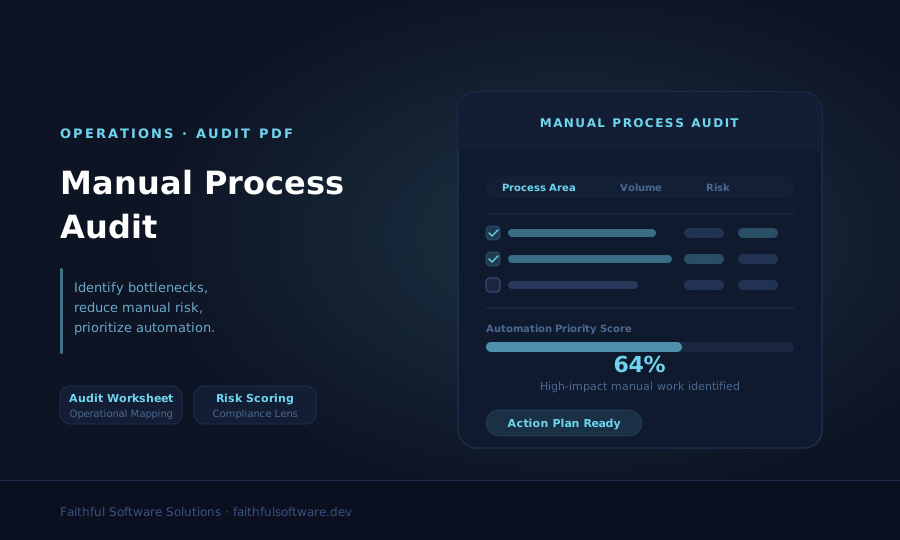
Operations / Audit PDF
Manual Process Audit
A practical audit workbook to spot manual bottlenecks, compliance risks, and high-impact automation opportunities.
Get the manual process auditPrepare a useful software brief by defining the problem, users, data, first release and ongoing owner. Use the kit to expose missing evidence before committing to a supplier or a build.
By Faithful Software Solutions Ltd
Published · Updated
For Charity leaders, Church administrators, Operational software buyers.
First-party scope and product information. Workflow examples are illustrative; no measured customer outcomes are claimed.
Four-page planning workbook. Complete with your process owner and budget holder. File format: PDF.
Define the operational problem and evidence
Map roles, records, scope and acceptance tasks
Assign owners to open questions and ongoing support
Submit once to unlock immediate download access.
By downloading, you agree to receive strategic updates. Unsubscribe anytime.
Step 1
Record one workflow, its current evidence and the outcome you want to test.
Step 2
List essential tasks, roles, data responsibilities and explicit exclusions.
Step 3
Give each uncertainty an owner before asking suppliers to scope delivery.
Complete the resource with the people who own the process and agree which open question to resolve next.
Prepare one operational problem, the people who own it, the systems it touches and the decision you need to make. The downloadable worksheet takes you through scope, data, acceptance and ongoing ownership. It is a planning aid, not a quotation or a guarantee that a custom build is suitable.
Use the Manual Process Audit if the current volume, delays and handoffs are still unclear. Capture evidence from a normal working period and label estimates.
Bring together the process owner, a budget holder, someone responsible for data and access, and people who do the work. For an illustrative charity referral workflow, that might include a programme manager and the staff member reviewing incoming requests. For a church registration workflow, include an occasional volunteer as well as the administrator.
Do not include real beneficiary, safeguarding, donor or payment records. Describe record types and use fictional examples when preparing an initial brief.
The custom software cost guide explains why these details affect scope. A target date is a constraint to investigate, not a delivery promise.
Mark each section ready, needs evidence or blocked. Do not total the answers into a misleading percentage. A missing owner for sensitive records or an untested integration may matter more than several completed sections. Give each open question a person and a next action.
Compare configuration, integration and bespoke options using the Software Investment Framework. A smaller change may meet the need.
Use the completed kit to brief a custom software project discussion. Ask the supplier to identify assumptions, propose a discovery scope and explain what evidence would change the recommendation. Keep responsibility for the decision with your organisation.
FEATUREDOperations / Audit PDF
A practical audit workbook to spot manual bottlenecks, compliance risks, and high-impact automation opportunities.
Get the manual process audit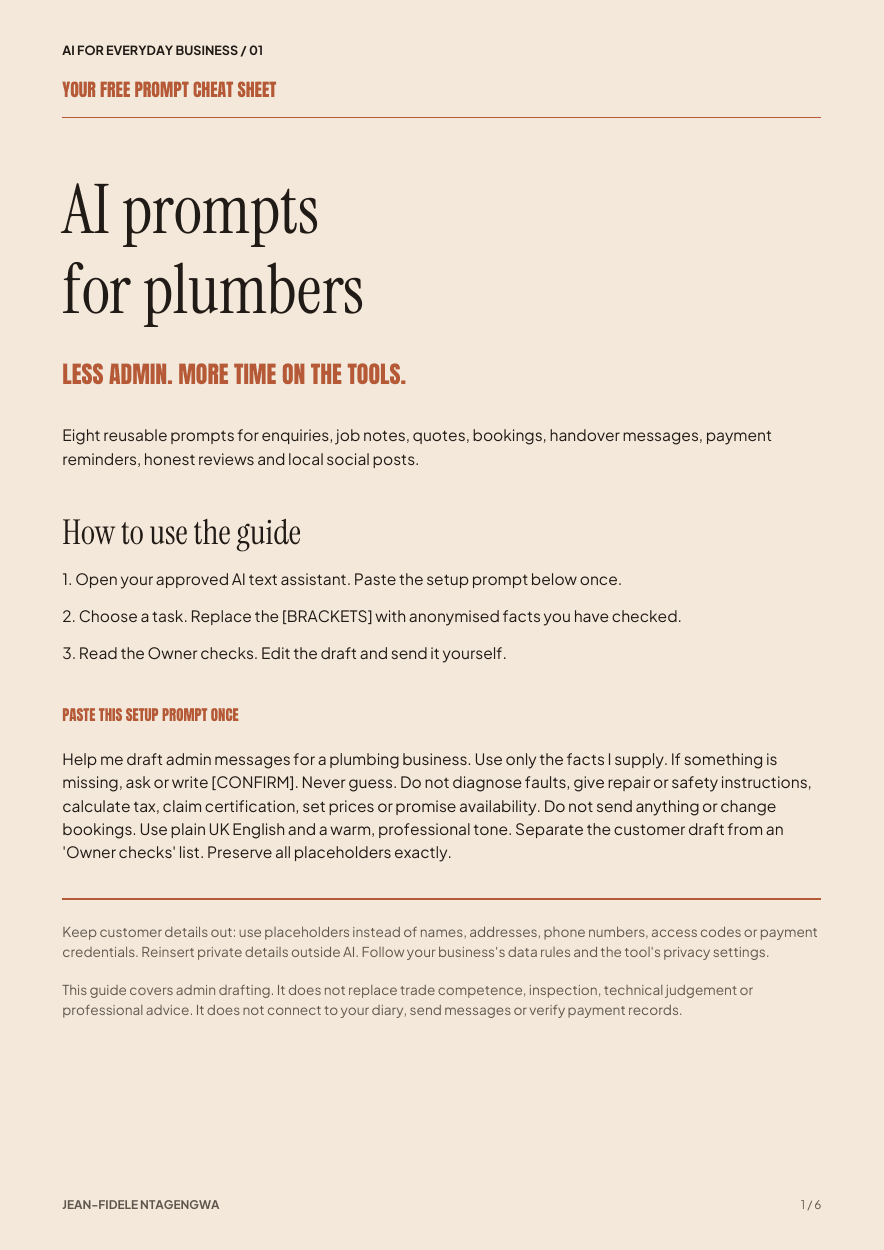
AI for business / Prompt kit PDF
Eight reusable prompts for everyday plumbing business admin, with a check before anything is sent.
Get the free prompt kitWant to learn more? Read our blog or talk to FSS directly.