
 FEATURED
Implementation / PDF workbook
Software Project Readiness Kit
Prepare a clear software brief with your process owner, budget holder and delivery team.
Get the software readiness kitAudit one repeated workflow by recording its steps, handoffs, volume, delays and exceptions. Use observed evidence to choose an improvement and test it before scaling the change.
By Faithful Software Solutions Ltd
Published · Updated
For Charity leaders, Church administrators, Operational software buyers.
First-party scope and product information. Workflow examples are illustrative; no measured customer outcomes are claimed.
A complete process-audit worksheet for capturing task volume, handoffs, and failure points
A risk and compliance review framework for manual process exposure
A prioritization model for selecting the best automation candidates first
Submit once to unlock immediate download access.
By downloading, you agree to receive strategic updates. Unsubscribe anytime.
Step 1
Document where teams rely on repetitive manual steps, handoffs, and spreadsheet-driven operations.
Step 2
Assess compliance, data quality, and service-level risk introduced by each manual process.
Step 3
Rank opportunities by business impact and implementation effort to shape a practical roadmap.
Complete the resource with the people who own the process and agree which open question to resolve next.
Choose one repeated workflow with a known owner. Record what actually happens, including spreadsheet copies, inbox checks and informal handoffs. The existing PDF provides the audit framework; the examples below help charity and faith teams apply it.
For each step, write down the trigger, person responsible, system used, output and next recipient. Count tasks over a representative period and record active work separately from waiting time. Mark estimates clearly and include exceptions such as duplicate or incomplete requests.
An illustrative charity referral audit might follow a request from a shared inbox through eligibility review to assignment. Record how often staff ask for missing information and who decides whether a referral can proceed. Do not place personal referral details in the workbook.
An illustrative church volunteer audit might follow availability collection, rota preparation, substitutions and confirmation. Check how changes reach occasional volunteers and how the coordinator knows they were received.
Compare frequency, effort, consequences of a mistake and the practicality of a change. A rare but serious access mistake should not disappear behind a high-volume administrative task. Discuss sensitive workflows with the accountable person; the audit is not a legal or compliance certification.
Keep observed evidence beside each proposed improvement. If a handoff lacks an owner, clarify responsibility before automating it. If copying between tools creates repeated work, investigate whether supported interfaces exist. The workflow automation service explains the scope FSS can assess.
Write one acceptance task using fictional records: an authorised coordinator can assign a request, see its next action and find its history. Agree a baseline and a later review period. Time released is capacity that can be used elsewhere; it is not automatically money saved.
Compare the options and ongoing responsibility in the Software Investment Framework. Use the Software Project Readiness Kit when the evidence is clear enough to prepare a supplier brief.
Select one change, give it an owner and define what result would justify continuing. A charity or faith team can use the sector guidance to connect the finding with a suitable kind of software work.
FEATUREDImplementation / PDF workbook
Prepare a clear software brief with your process owner, budget holder and delivery team.
Get the software readiness kit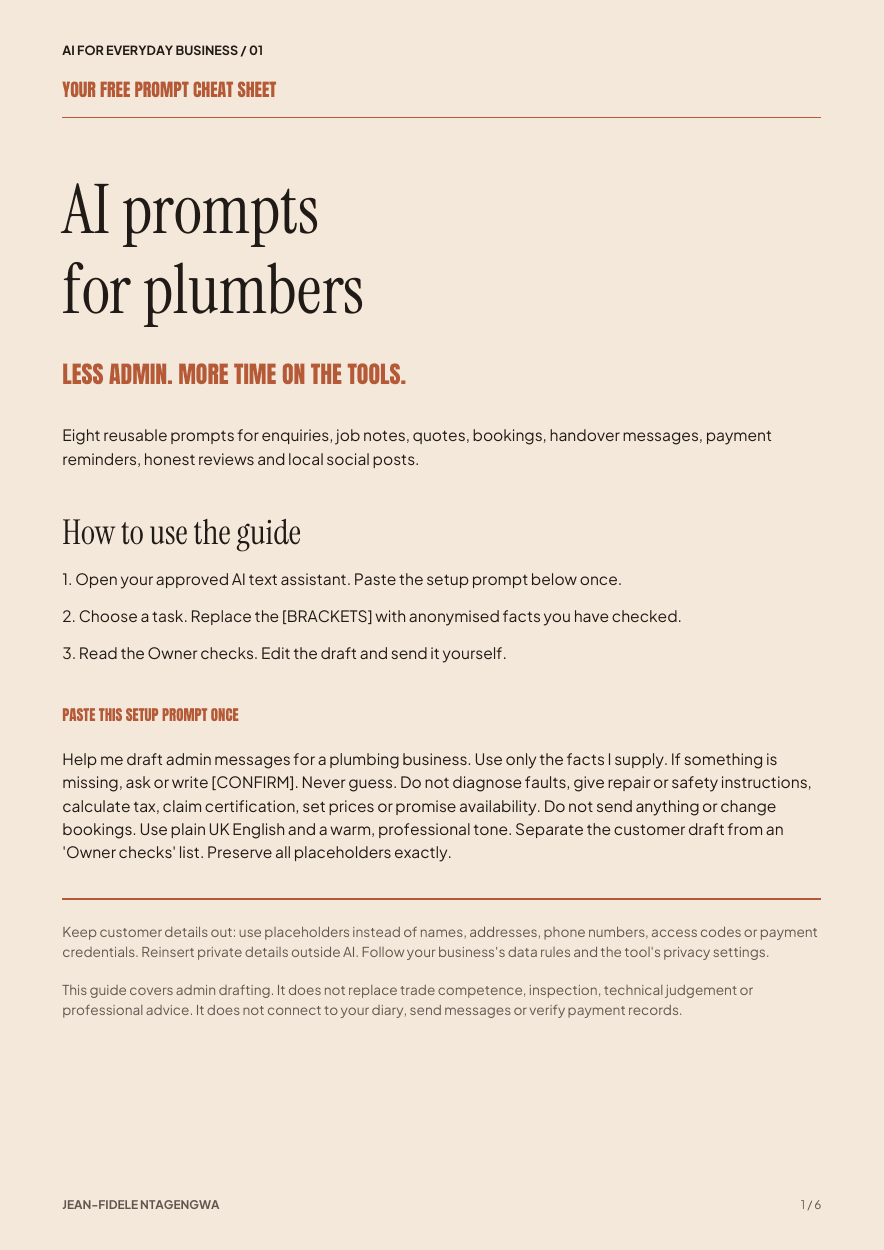
AI for business / Prompt kit PDF
Eight reusable prompts for everyday plumbing business admin, with a check before anything is sent.
Get the free prompt kitWant to learn more? Read our blog or talk to FSS directly.