Portal Development
What should a charity or community portal include?
A useful portal gives a defined group of people a reliable way to complete a task, see its status and correct information. Start with one workflow, clear access boundaries and an assisted route for people who cannot use the portal. Validate those needs before adding features.
April 11, 2026 • 2 min read • FSS Growth Team
Published · Updated
For Charity leaders, Faith organisation operations teams, Software buyers.
Sources and evidence
First-party scope and product information. Workflow examples are illustrative; no measured customer outcomes are claimed.
Which task should the portal handle first?
Choose a repeated interaction that requires staff to chase or retype information. An illustrative community programme might begin with registration and approval; a charity might begin with volunteers checking an assigned task. These are planning examples, not promises of reduced administration.
Record the handoff in the Manual Process Audit. Establish who receives a submission, who can approve it and what the person submitting it needs to know next.
How should access be specified?
List each role and the records it may view, create, change and export. Describe how access is granted and removed, how shared responsibilities work and how account recovery is handled. Specify how staff correct a mistaken submission without erasing its history.
For a parent-facing workflow, use fictional records when demonstrating boundaries between households. The portal development service describes the scope questions FSS can investigate. A portal alone does not establish that an organisation has met its legal or safeguarding responsibilities.
What about people who need assistance?
Include occasional volunteers, people using phones and people who need assistance in usability checks. Test labels, keyboard operation, errors and confirmation messages. Decide how staff can help someone complete the same task without creating an untracked parallel process.
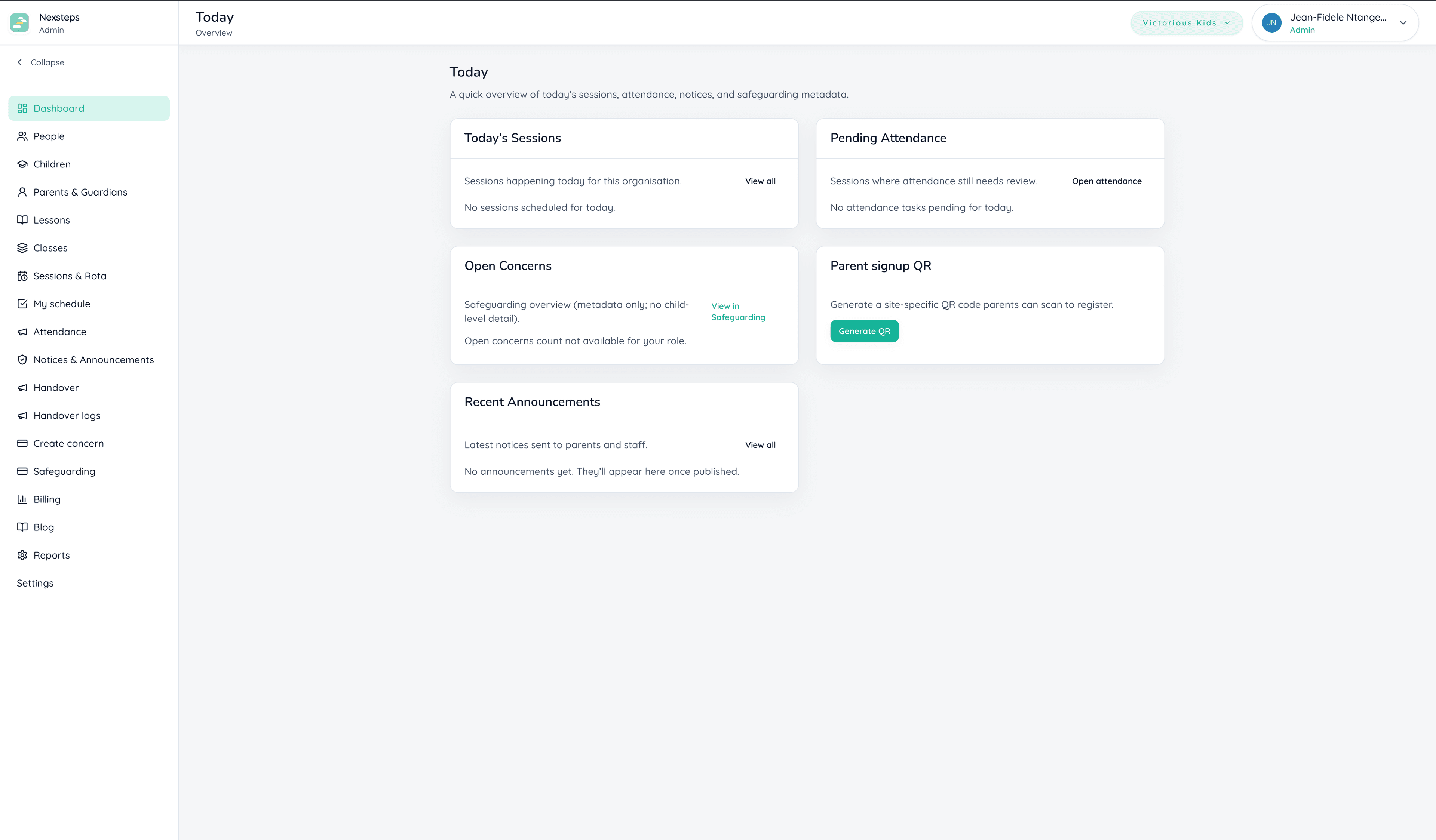
Ask users to demonstrate a complete journey rather than approve a screenshot. NexSteps provides a first-party example of parent onboarding and role-scoped operations; your project needs separate acceptance criteria.
What happens when something goes wrong?
Define what users see if a submission fails, which team handles a disputed record and how work continues during downtime. Include export, backup recovery, maintenance and support responsibilities in the brief.
How do we prepare a scope?
Complete the Software Project Readiness Kit with one task, its user roles and the exceptions that must work at launch. Ask for a proposal covering the whole journey, including staff work behind the screen.